Now you see it. Now you don’t.
It behaves like fabric
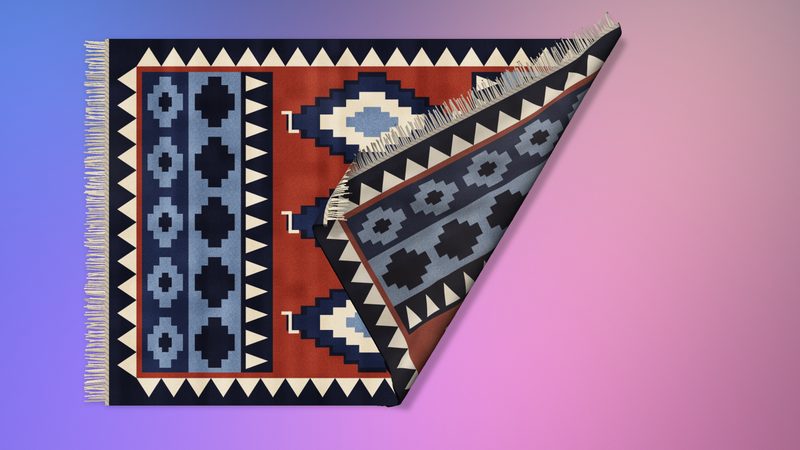
Fold and curl
Grab any part and drag to lift, fold or curl it. Drag a fold back to undo it, or double-click to smooth it all out.
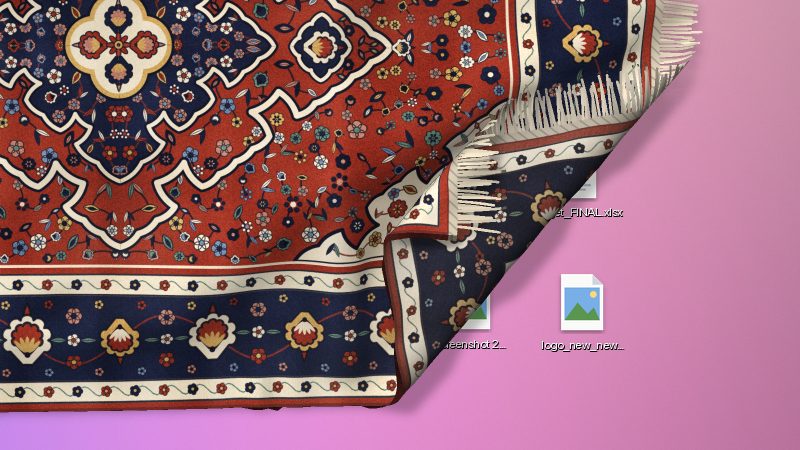
Drapes over your icons
Each desktop icon makes a bump under the rug. Piles of icons make bigger bumps.
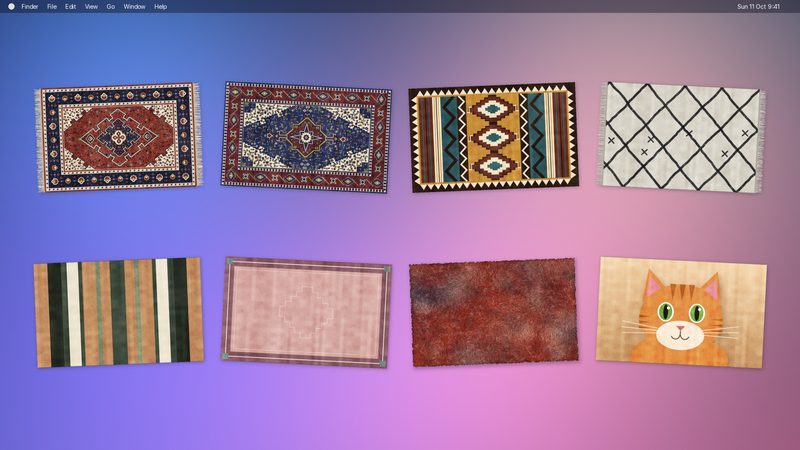
Design your own
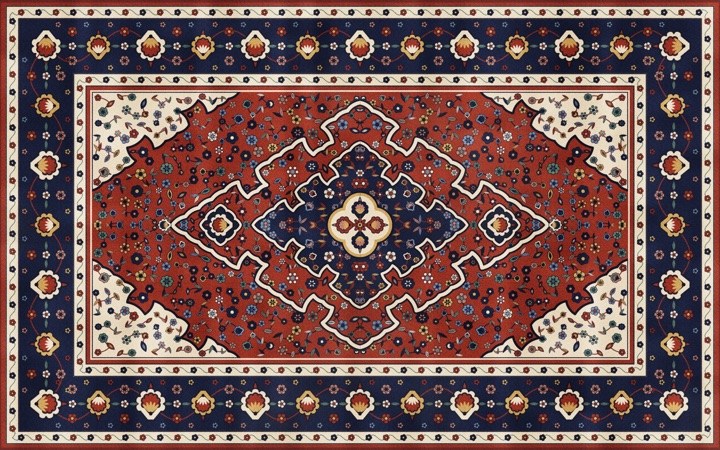
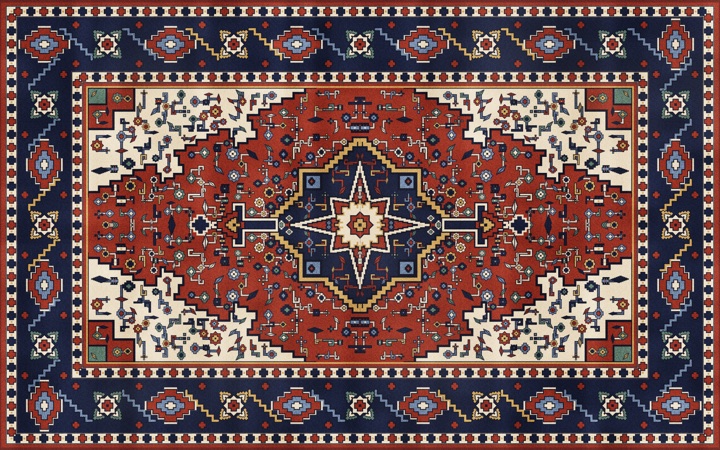
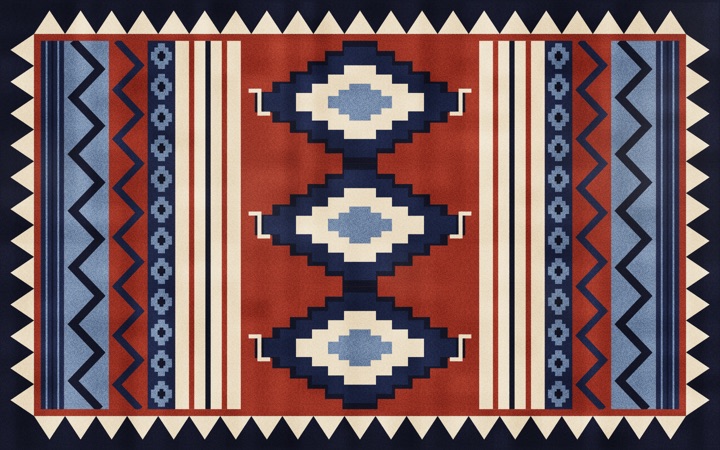
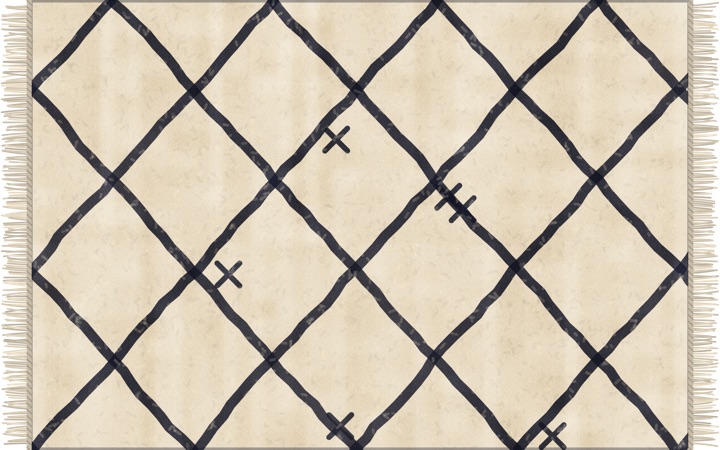
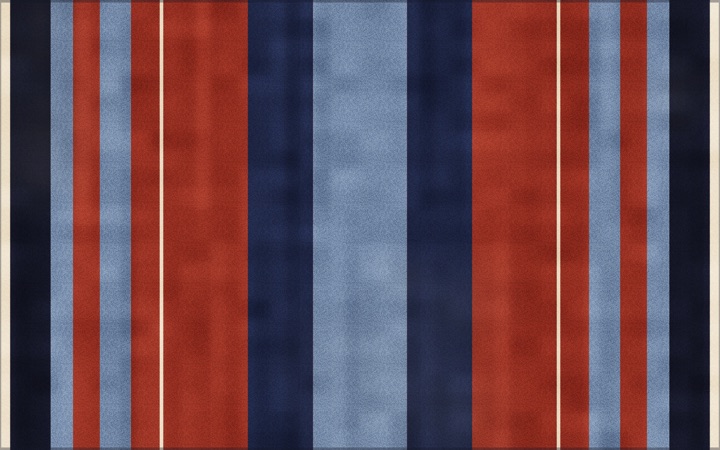
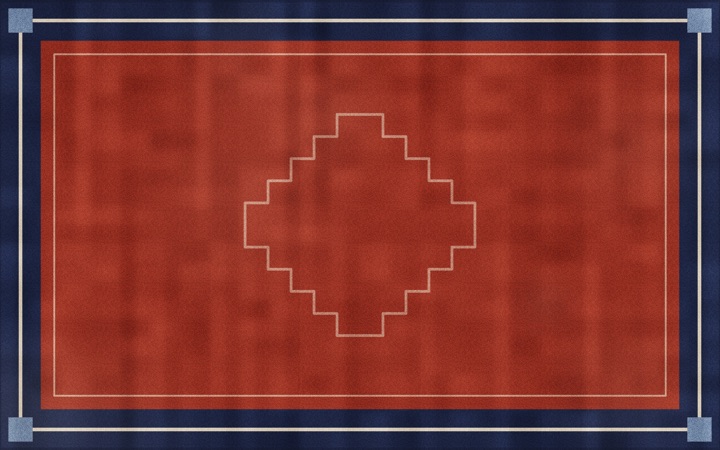
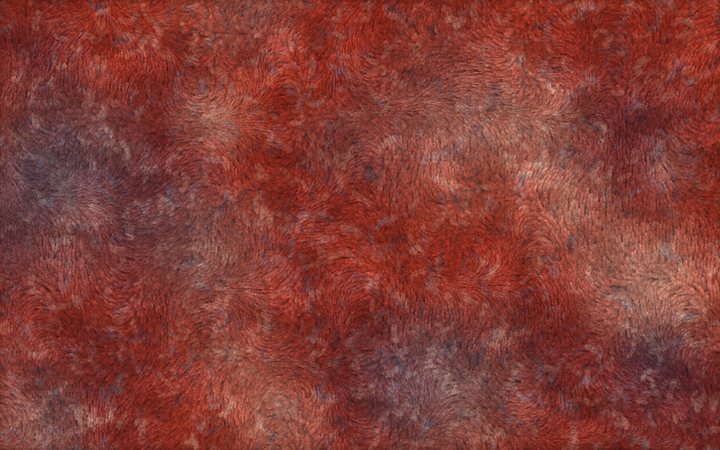
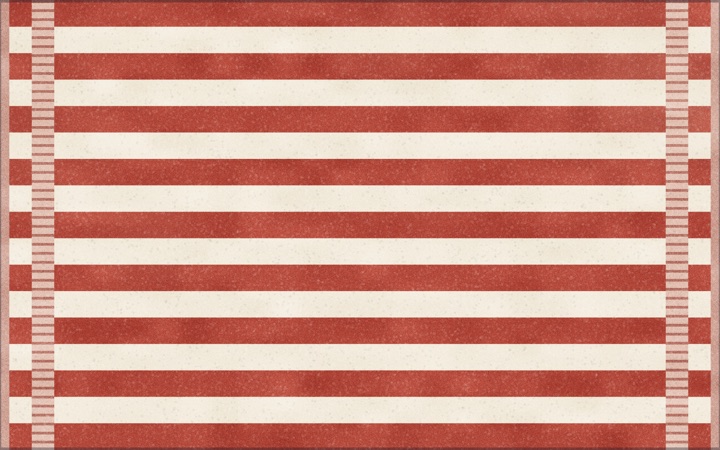
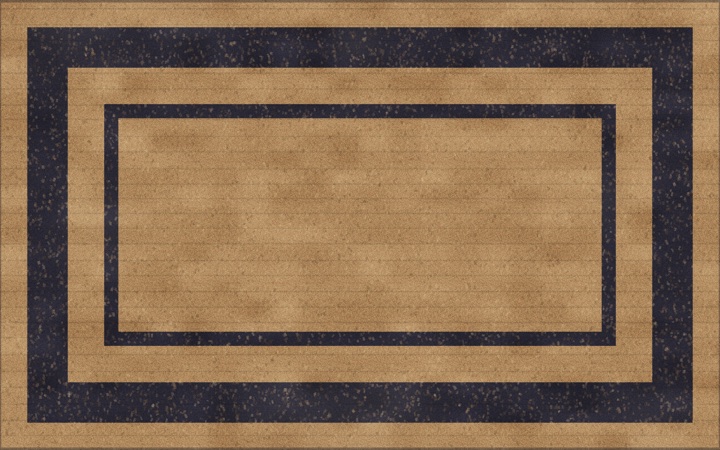
Persian, Heriz, Kilim, Berber, Stripes, Bordered, Shag, Beach Towel or Doormat, with your choice of colours, fringe, wear and pile length.
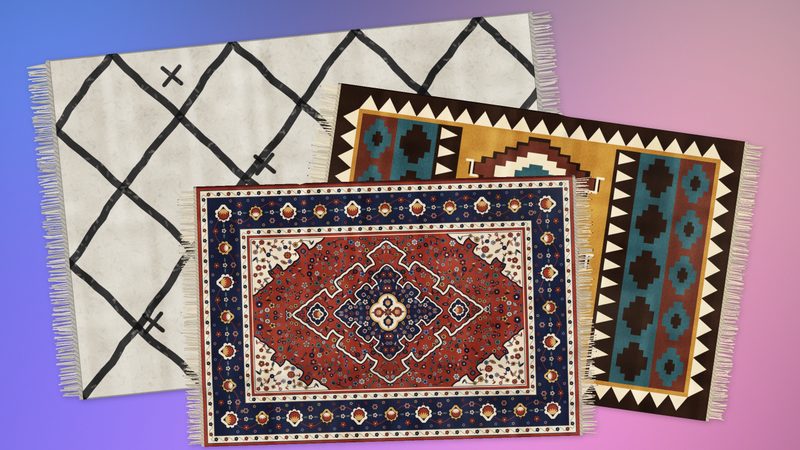
Stack several rugs
Rugs rest on one another, and the one you move slides on top.
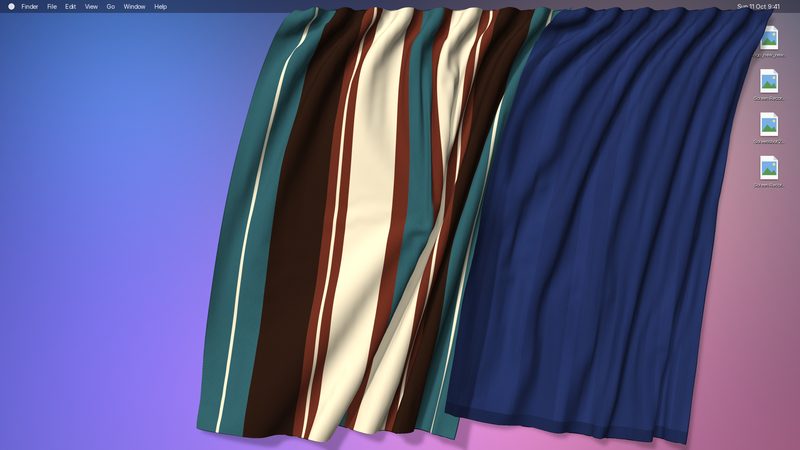
Curtains too
Hang curtains from the menu bar. Slide them along it, draw them open or closed, swish them: they hang back in their folds. Velvet, linen, voile, stripes, bordered, tapestry or your own picture.
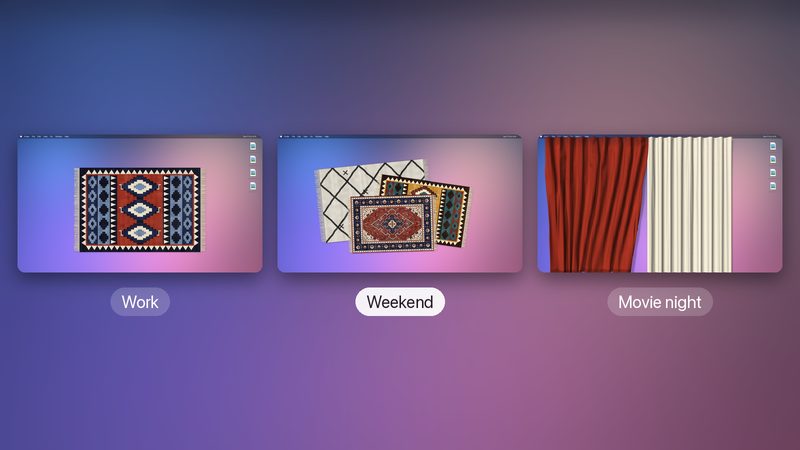
Several arrangements
Keep a set of rugs or curtains for each mood, one for work and one for the weekend, and switch with a click in the menu bar.
Fabric sounds. A soft, muffled wool swish while it moves, and a gentle thump when a fold lands. One click to turn off.
Light on your Mac. A rug at rest uses next to no CPU. No fans, no battery drain, even though it lives on your desktop all day.
Support Tapis
Tapis is free. If it made your desktop a little cozier, you can buy me a coffee on Ko-fi or sponsor it on GitHub.
How to use it
Everything happens with the mouse on the rug.
Fold it
Grab any part of the rug and drag it to lift, fold or curl it. Folds stay where you leave them.
Drag a fold back to undo it. Double-click to smooth the whole rug out.
Long press to edit
Press and hold on a rug for half a second: it’s selected, and won’t fold while you edit it.
Drag to move it, drag a corner to resize, drag the top knob to rotate (hold ⇧ to snap by 15°). Click it again, or anywhere else, when you’re done.
Make it yours
A selected rug has a small toolbar underneath. Design opens the pattern, colours, fringe, wear and pile length.
The toolbar also turns it 90°, smooths it out, or removes it.
Slide it under your icons
By default a rug lies on top of your desktop icons, which make bumps under it. It can also lie below them, like a mat under your files.
In the toolbar, choose Place below icons. To reach it again, pick Rearrange Rugs in the menu.
Add more rugs
Choose Add Rug in the menu (⌘N). Rugs pile up on one another, and the one you move slides on top.
Untick Show Rugs to clear the desktop for a moment.
Hang curtains
Choose Curtains in the menu: a curtain hangs from the menu bar. Drag it sideways to slide it along, and into another to push it.
⌘-double-click draws it open or closed, double-click smooths it. Press and hold it to resize it by its side handles. Add Curtain hangs another.
Switch arrangements
An arrangement is a set of rugs, or of curtains. Keep one for work and one for the weekend, and switch with a click in the menu.
Manage Arrangements… creates, duplicates, renames and deletes them. Everything saves on its own.
Pick a pattern
Pick a curtain fabric





Install
Free. Requires macOS 14 or later on Apple silicon.
Download
Get the latest DMG from the Releases page.
Drag to Applications
Open the DMG and drag Tapis into your Applications folder.
Launch it
Open Tapis from Applications. Its icon appears in the menu bar.
Stay up to date
Tapis tells you when a new version is out and offers to update.
Privacy by design
No account. No analytics. The only network call is the update check, and it sends nothing about you. Updating is always your choice. Tapis runs entirely on your Mac, and your rugs and curtains never leave it.
Saved on your Mac
Your rugs, curtains, designs and arrangements are kept on your Mac only. Nothing is synced or uploaded.
Your desktop stays yours
Tapis asks Finder where your icons are, only so the rug can drape over them. That never leaves your Mac.
Just one check, for updates
To see if there’s a new version, Tapis reads a public list on GitHub. It sends nothing about you or your Mac.
Inspiration
Tapis is inspired by a tweet from Terkel. Such a fun idea, and it was just as much fun to build.